
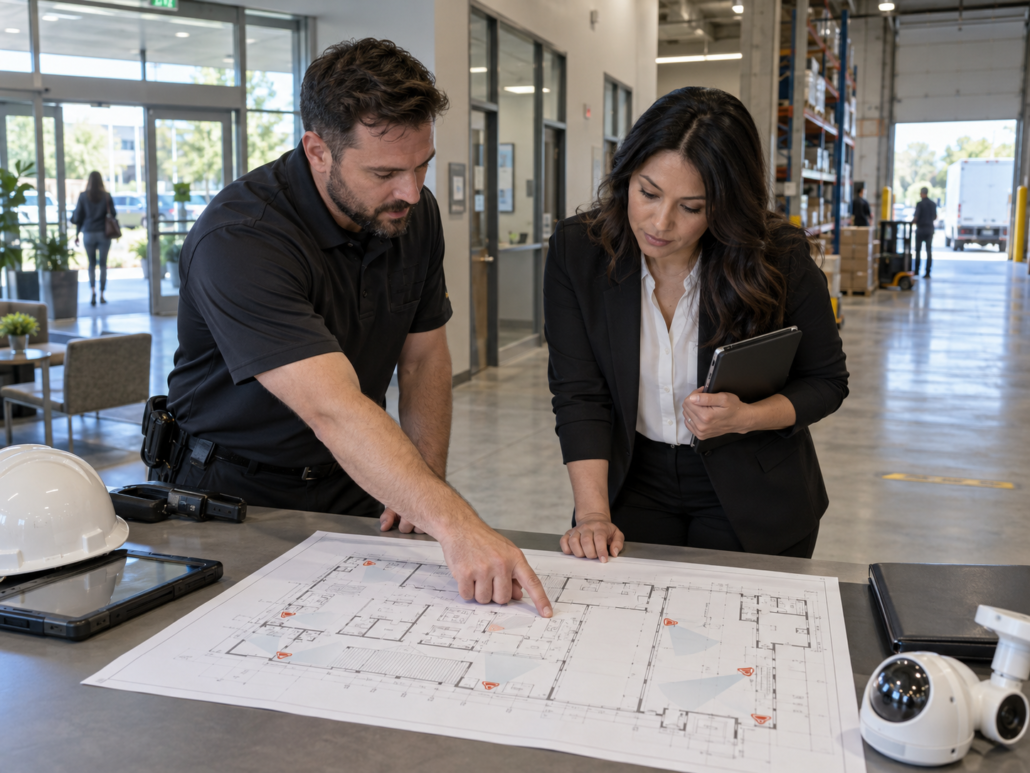
Business Camera Systems: How to Choose the Right Setup for Your Facility
Choosing a security camera system for a commercial property involves much more than deciding how many cameras to install. A warehouse has different monitoring requirements from a retail store, office, restaurant, or industrial facility. Even businesses in the same industry may require different setups because of their layouts, operating hours, access points, equipment, and security priorities.
Effective business camera systems begin with an assessment of the facility itself. Camera placement, image quality, video storage, network infrastructure, remote access, and future expansion should all be considered before equipment is selected.
For businesses looking to improve surveillance and property visibility, a facility-specific approach can help create a system that provides useful coverage without adding cameras or features that do not serve a clear purpose.
Start With the Risks and Priorities of Your Facility
Before comparing camera specifications, determine what the surveillance system actually needs to accomplish.
Commercial cameras can serve several purposes. A business may want to monitor entrances, document incidents, protect inventory, verify deliveries, oversee parking areas, reduce blind spots, or give authorized managers better visibility into daily operations.
This risk-based approach is supported by the Cybersecurity and Infrastructure Security Agency’s physical security resources, which encourage organizations to evaluate vulnerabilities, assess existing protections, and prioritize security measures according to the needs of the facility.
Start by considering questions such as:
- Where do employees, customers, and visitors enter and leave?
- Where are valuable products, equipment, or records stored?
- Are there areas employees cannot easily observe?
- Which locations experience the most foot or vehicle traffic?
- Are loading docks, parking areas, or exterior doors difficult to monitor?
- Does management need to view cameras remotely?
- Could the facility expand or change in the future?
The answers provide a much stronger foundation for selecting camera systems for businesses than simply installing cameras wherever mounting space is available.
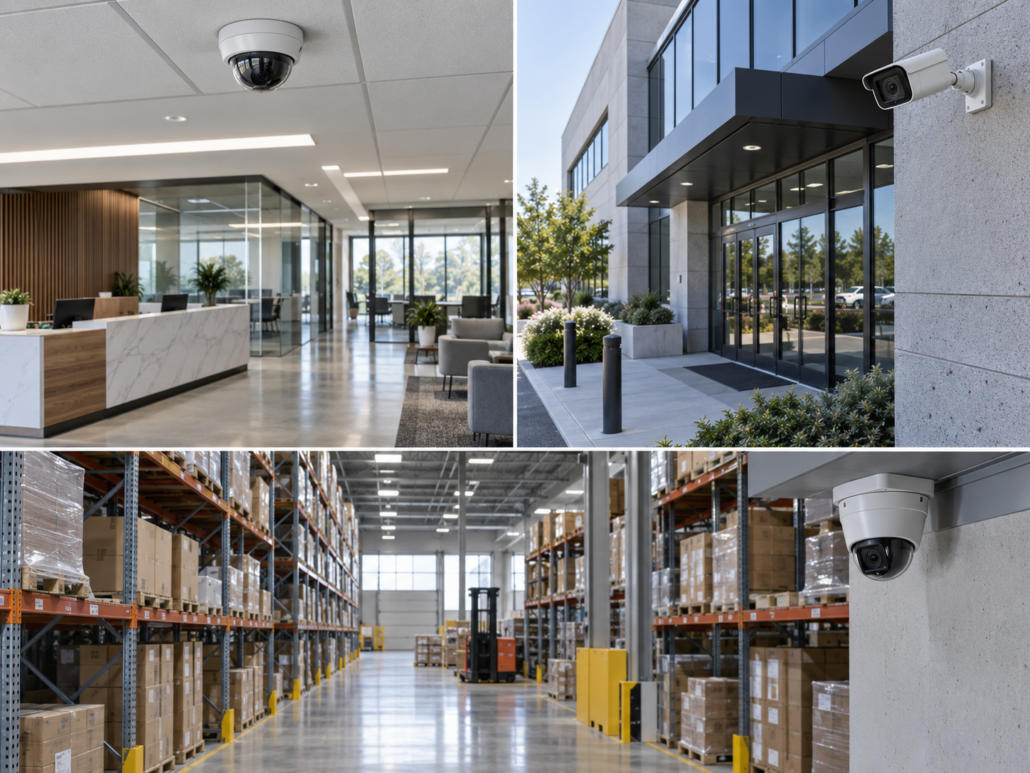
Map Coverage Areas and Potential Blind Spots
Once the main risks are identified, the next step is determining where cameras will provide meaningful visibility.
Common commercial monitoring areas include:
- Main entrances and secondary exits
- Reception areas
- Sales floors
- Cash registers and transaction areas
- Hallways
- Warehouses and stockrooms
- Loading and receiving zones
- Parking lots
- Building perimeters
- Restricted-access rooms
More cameras do not automatically create better security. A poorly positioned camera may capture an obstructed angle, excessive glare, or a large area without enough detail to make the recording useful.
Professional security camera installation takes mounting height, viewing angle, lighting, distance, obstructions, and expected activity into account.
The goal is to create purposeful coverage while reducing blind spots and unnecessary overlap.
For larger properties, cameras should also be organized logically within the surveillance platform. Clear naming and grouping make it easier for authorized personnel to locate the correct camera when reviewing an incident.
Choose Camera Types Based on the Environment
Not every part of a commercial property has the same surveillance conditions.
Indoor office areas typically have controlled lighting and relatively short viewing distances. Outdoor cameras may have to operate through rain, temperature changes, direct sunlight, and low-light conditions. Warehouses may involve high ceilings and long aisles, while retail environments often require closer monitoring of entrances and transaction areas.
When comparing business security camera systems, consider whether individual locations require:
Wide-Area Coverage
Wide-angle cameras can be useful in open offices, retail floors, lobbies, warehouse spaces, and other large areas where general activity needs to be monitored.
Focused Viewing
Entrances, loading areas, gates, cash registers, and restricted access points may require a narrower field of view that captures more usable detail.
Low-Light Performance
Parking areas, exterior spaces, warehouses, and facilities operating after dark may need cameras designed to produce usable footage in limited lighting.
Outdoor-Rated Equipment
Exterior cameras should be selected for the environmental conditions in which they will operate rather than using indoor equipment outside.
Adjustable Monitoring
Certain facilities may benefit from cameras that allow authorized users to adjust the viewing direction or zoom when monitoring larger spaces.
Matching the type of camera to the environment generally produces better results than selecting one model and installing it throughout an entire property.
Consider Image Quality Without Overlooking the Rest of the System
Resolution is important, but it is only one part of image quality.
Lighting conditions, lens selection, viewing distance, camera position, network bandwidth, frame rate, and recording configuration can all affect what appears in the final footage.
Businesses should first determine what they need to see from each camera.
Monitoring general movement across a warehouse floor does not necessarily require the same level of detail as recording an entrance or transaction point.
Higher-resolution video also requires additional network bandwidth and storage capacity. Choosing the highest available resolution for every camera without considering the rest of the infrastructure may increase costs and storage requirements without providing a meaningful operational benefit.
A better approach is to match image quality to the purpose of each camera.
Plan Video Storage and Retention Before Installation
Storage is one of the most important elements of security camera systems for business, yet it can easily be overlooked during equipment selection.
Several factors affect how much storage a system requires:
- Number of cameras
- Video resolution
- Frame rate
- Recording schedule
- Continuous or event-based recording
- Compression settings
- Desired retention period
Businesses should consider how far back they may realistically need to retrieve footage.
For example, if an inventory discrepancy is discovered several weeks after it occurred, the relevant recording will only be useful if the system still retains footage from that period.
Depending on the setup, recordings may be stored locally, through a network video recorder, in cloud storage, or through a combination of methods.
The appropriate configuration depends on factors such as the number of cameras, available bandwidth, internal policies, security requirements, and desired retention period.
Storage planning should therefore happen before installation rather than after the system begins recording.
Pay Close Attention to Network Security With IP Cameras
An IP camera system for business can provide several practical advantages. Network-connected cameras can support centralized management, remote access, high-resolution video, and easier expansion as surveillance needs change.
However, IP cameras also become connected devices within the organization’s technology environment.
That makes cybersecurity part of the surveillance planning process.
The National Institute of Standards and Technology’s guidance for IoT device cybersecurity identifies capabilities such as device identification, secure configuration, data protection, controlled access to interfaces, software updates, and cybersecurity status awareness as important considerations for connected devices.
For a commercial camera system, practical security measures may include:
- Replacing default login credentials
- Using strong passwords
- Limiting administrator privileges
- Encrypting connections where supported
- Controlling remote access
- Separating surveillance devices from other network resources where appropriate
- Installing firmware and software updates
- Removing access when employees or vendors no longer require it
NIST also emphasizes through its broader IoT cybersecurity guidance that connected-device security should be considered throughout the technology lifecycle rather than only during initial installation.
A properly designed IP surveillance system should therefore account for both physical security and network security.
Determine Who Needs Remote Access
Remote monitoring is one of the most useful features available with modern business camera systems.
Owners and managers may want to check a property outside business hours, verify activity after an alert, review cameras from another location, or oversee several facilities through one management interface.
However, remote access should be controlled carefully.
Before configuring the system, determine:
- Who can view live cameras?
- Who can review recorded footage?
- Who can download or export video?
- Who can change camera settings?
- Who should have administrative privileges?
- How will access be removed when an employee leaves?
Different users can often be assigned different levels of access.
A manager may need to review footage but not modify network or storage settings. Restricting permissions according to job responsibilities can reduce unnecessary exposure while keeping the system practical for daily use.
Consider Integration With Other Security Systems
Cameras often provide greater operational value when they function as part of a broader commercial security strategy.
Depending on the property, surveillance systems may work alongside:
- Access control
- Door and window sensors
- Intrusion alarms
- Intercom systems
- Visitor entry systems
- Building automation
- Central monitoring platforms
For example, access control data may indicate when a particular door was opened. Video from a nearby camera can then provide visual context for the event.
Similarly, an intrusion alert becomes easier to assess when authorized personnel can immediately view the corresponding area.
The goal is not necessarily to connect every technology in the building. Integration should support practical security and management objectives rather than create unnecessary complexity.
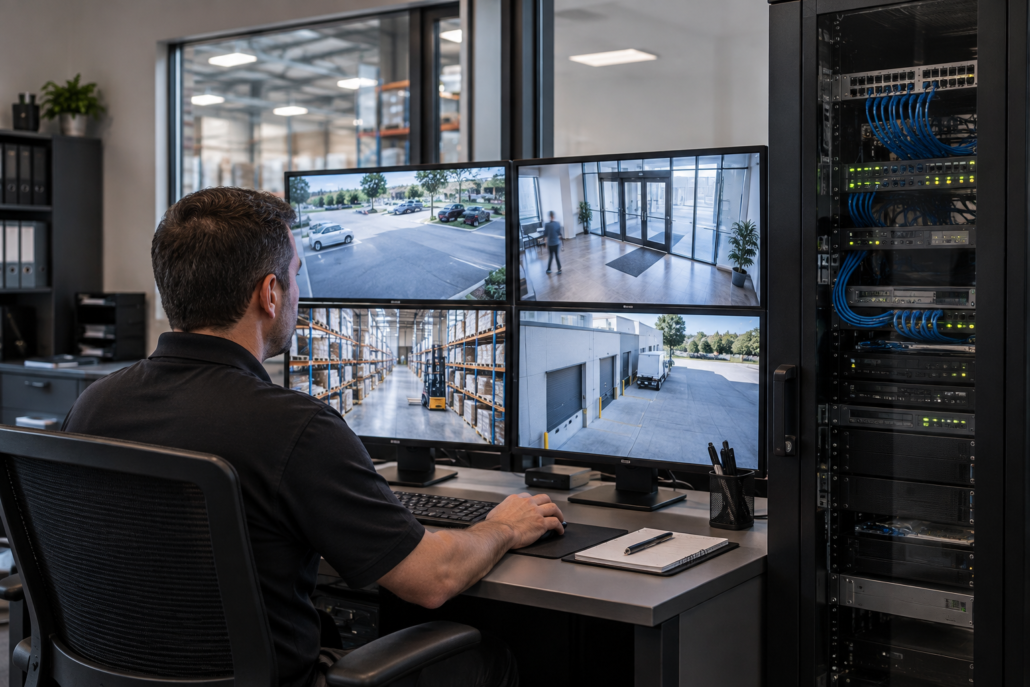
Plan for Future Expansion
A commercial camera system should meet current requirements without making future growth unnecessarily difficult.
Over time, a company may add office space, expand a warehouse, create another entrance, renovate its property, increase parking capacity, or open additional locations.
Before installation, consider whether the proposed system can accommodate:
- Additional cameras
- Increased video storage
- Additional network traffic
- More authorized users
- New buildings
- Multiple business locations
- Future security integrations
Cyber Technologies’ existing approach to commercial surveillance emphasizes system scalability, stable network infrastructure, secure remote access, and the ability to expand coverage as business requirements change.
Planning for those possibilities during the initial security camera installation can reduce the need to rebuild major parts of the system later.
Avoid Common Business Camera System Mistakes
Several planning mistakes can reduce the effectiveness of commercial surveillance.
One of the most common is selecting equipment before assessing the facility.
Another is concentrating on camera resolution while overlooking placement, lighting, storage, cybersecurity, or network capacity.
Other issues can include:
- Mounting cameras too high to capture useful detail
- Leaving exterior entry points poorly covered
- Ignoring changing sunlight and nighttime conditions
- Creating unnecessary blind spots
- Providing too many users with administrator access
- Underestimating storage requirements
- Installing a system with little room for expansion
Businesses should also avoid treating installation as the final step.
Camera angles, recording systems, software, networks, storage, and remote access settings should be reviewed periodically. Changes to shelving, walls, equipment, entrances, or workflows can affect the usefulness of existing camera positions.
Choose a Camera System Around Your Facility, Not a Standard Package
There is no single surveillance configuration that works equally well for every commercial property.
A retail business may prioritize entrances, sales areas, checkout points, and stockrooms.
A warehouse may need coverage of loading docks, inventory areas, long aisles, exterior doors, and vehicle activity.
An office may focus primarily on entrances, reception spaces, shared areas, and restricted rooms.
Industrial properties may face additional challenges related to large spaces, machinery, outdoor equipment, and unusual lighting conditions.
The right business camera system should therefore begin with the property’s actual layout and operational requirements.
Camera type, positioning, recording quality, storage, network capacity, remote access, cybersecurity, system integration, and future expansion should all contribute to the same goal: providing reliable visibility where the organization needs it.
Build the Right Business Camera System With Cyber Technologies
Choosing commercial security cameras should be treated as a system-design decision rather than simply an equipment purchase.
Cyber Technologies provides professional security systems and security camera solutions designed around the layout, operational priorities, monitoring requirements, and technology infrastructure of each commercial property.
Whether you are protecting an office, warehouse, retail location, industrial property, or another commercial facility, careful planning can help reduce blind spots, improve access to useful footage, and provide room for the system to grow with your organization.
Visit Cyber Technologies to learn more about business camera systems and discuss a surveillance setup designed around the specific needs of your facility.


Leave a Reply
Want to join the discussion?Feel free to contribute!