
What a Smart Home Automation Company Should Evaluate Before Installation
A successful smart home is not defined by how many connected devices it contains. It is defined by how reliably those devices work together, how easy they are to control, and how well the system supports the homeowner’s daily routines.
That is why professional smart home systems installation should begin long before technicians mount control panels, connect thermostats, or program lighting scenes. A qualified smart home automation company first evaluates the property, the network, the household’s priorities, and the technology already in place.
This planning stage helps prevent common problems such as weak Wi-Fi coverage, incompatible devices, confusing controls, unreliable automation, and systems that are difficult to expand later.
Before beginning a home automation system installation, here are the most important areas an experienced integrator should evaluate.
The Homeowner’s Goals and Daily Routines
The first step is understanding what the homeowner actually wants the system to accomplish.
Some homeowners are mainly interested in convenience. They may want lighting that adjusts automatically, motorized shades, whole-home audio, or thermostat schedules that follow their routines.
Others may prioritize security, including:
- Surveillance cameras
- Smart locks
- Door and window sensors
- Alarm notifications
- Remote property monitoring
- Automated exterior lighting
A household may also want better energy management, easier entertainment control, improved accessibility, or one interface that replaces several separate apps.
The smart home automation company should discuss how the household uses each space. This includes when family members leave and return, which rooms are used most often, how guests enter the property, and which systems need remote control.
Starting with real routines prevents the project from becoming a collection of features that look impressive but provide little practical value.
The Property Layout
Every home has different construction materials, room arrangements, entry points, and coverage challenges.
Before installing smart home technology, the integrator should examine:
- The size and number of floors
- Interior and exterior wall materials
- Equipment and utility rooms
- Attic, basement, and crawl-space access
- Existing cable routes
- Outdoor areas that need coverage
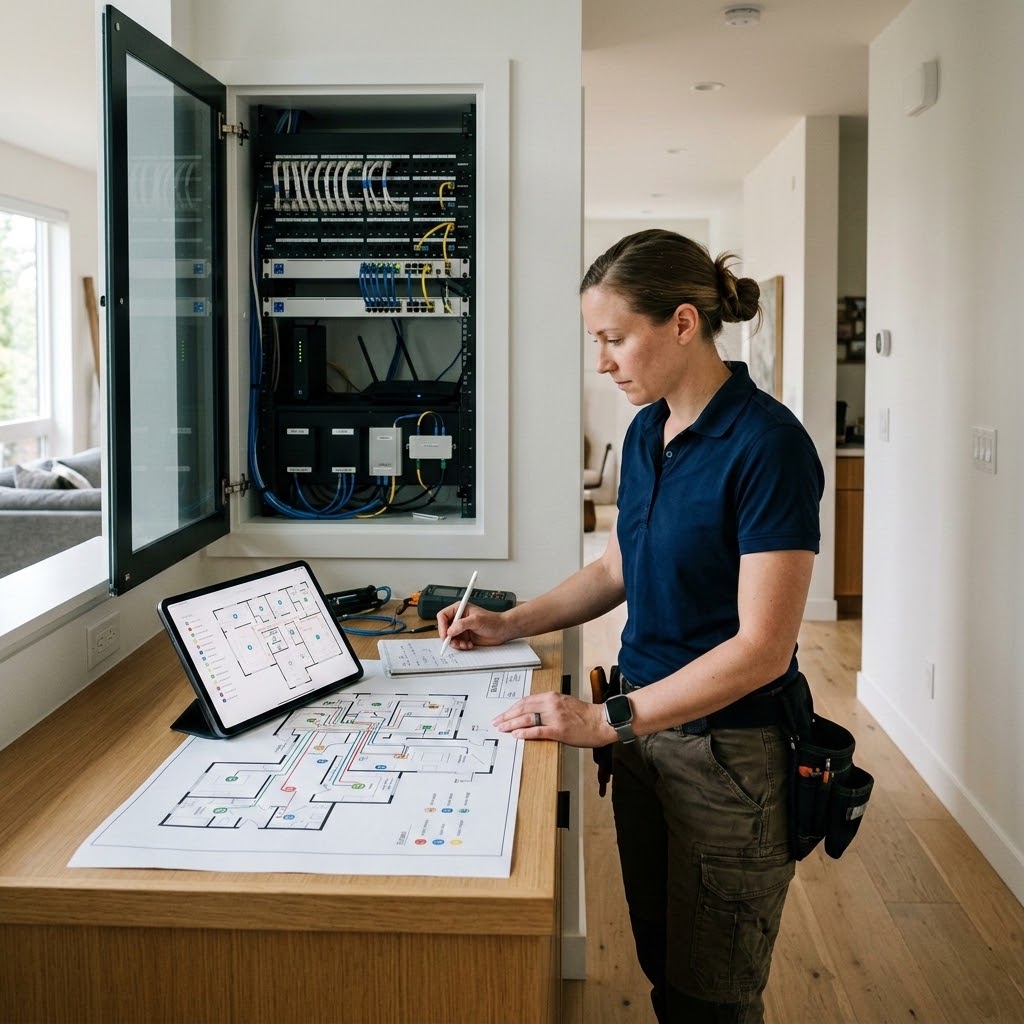
- Possible locations for control panels and network equipment
Older homes may require a different approach from new construction. In a newly built property, structured wiring can often be planned before walls are closed. In an existing home, the installer may need to use available pathways, wireless devices, or carefully placed access points to avoid unnecessary disruption.
The evaluation should also consider where equipment will remain accessible for future servicing. Network switches, controllers, power supplies, and other central components should not be placed where routine maintenance becomes difficult.
Electrical and Wiring Infrastructure
Although many devices are described as wireless, dependable smart home automation solutions still rely on proper electrical and network infrastructure.
An installer should determine whether the home has:
- Suitable electrical capacity
- Reliable grounding
- Available outlets near planned equipment
- Existing Ethernet or low-voltage cabling
- Appropriate locations for centralized equipment
- Backup power requirements
- Safe cable pathways between rooms
Hardwired connections are often preferable for devices that require continuous bandwidth or dependable operation. Cameras, wireless access points, televisions, audio equipment, and major control components may perform more consistently when connected through structured cabling.
Wireless technology remains useful, especially in completed homes where opening walls is undesirable. However, it should be selected as part of an overall design rather than used automatically for every device.
The goal is to find the right balance between wired and wireless connections based on reliability, installation access, performance requirements, and budget.
Wi-Fi and Network Performance
A smart home depends on its network. Even high-quality devices may perform poorly when Wi-Fi coverage is weak, the router is overloaded, or the network was never designed to support a large number of connections.
Before installation, the company should assess:
- Internet service and available speed
- Router age and capability
- Wi-Fi coverage throughout the property
- Areas with weak or inconsistent signals
- The number of existing connected devices
- Network traffic from streaming, gaming, and remote work
- Outdoor coverage requirements
- Opportunities for wired network connections
Large homes, properties with thick walls, and homes with several floors may need multiple professionally placed wireless access points rather than a single consumer router.
Security should also be part of the network design. The Cybersecurity and Infrastructure Security Agency recommends securing the home router and, where appropriate, placing smart home or Internet of Things devices on a separate guest network. This can help isolate connected devices from computers and other systems containing sensitive information.
Cyber Technologies offers professional home Wi-Fi installation and network planning for connected homes that require stronger coverage and more dependable performance.
Device and Platform Compatibility
Not every smart device communicates in the same way. Products may depend on different apps, communication protocols, cloud services, hubs, or operating platforms.
A smart home automation company should confirm whether proposed products can communicate reliably with one another. It should also evaluate existing devices that the homeowner wants to retain.
Compatibility questions may include:
- Can the lighting system communicate with the central controller?
- Can security events trigger lighting or camera actions?
- Will the thermostat work with the existing HVAC equipment?
- Can audio, video, climate, and security controls appear in one interface?
- Will voice control work with the selected platform?
- What happens when the internet connection is unavailable?
- Can the system support products from more than one manufacturer?
A professional installation does not necessarily require every component to come from the same brand. However, the integrator should understand how the products connect and what limitations may arise.
This prevents homeowners from discovering after installation that an important device needs a separate app or cannot participate in planned automation routines.
Cybersecurity and Privacy
Smart locks, cameras, thermostats, speakers, and control systems may collect or transmit information about the home. Security and privacy should therefore be evaluated during system design, not added after installation.
The National Institute of Standards and Technology identifies several important cybersecurity capabilities for connected devices. These include secure device identification, controlled configuration, data protection, restricted access, reliable software updates, and awareness of a device’s security status.
A smart home technology installation should consider:
- Unique account credentials
- Multifactor authentication where available
- Encrypted communication
- Secure remote access
- Manufacturer update policies
- User permission levels
- Local versus cloud-based data storage
- Camera and microphone privacy settings
- Procedures for removing access when users change
- Separation of smart devices from sensitive network traffic
The company should also explain who can access the system, where recordings or activity data are stored, and what subscriptions may be required.
A secure system should be practical for the household to maintain. Security settings that are too complicated may be ignored, while simple and clearly documented controls are more likely to remain in use.
Security and Life-Safety Integration
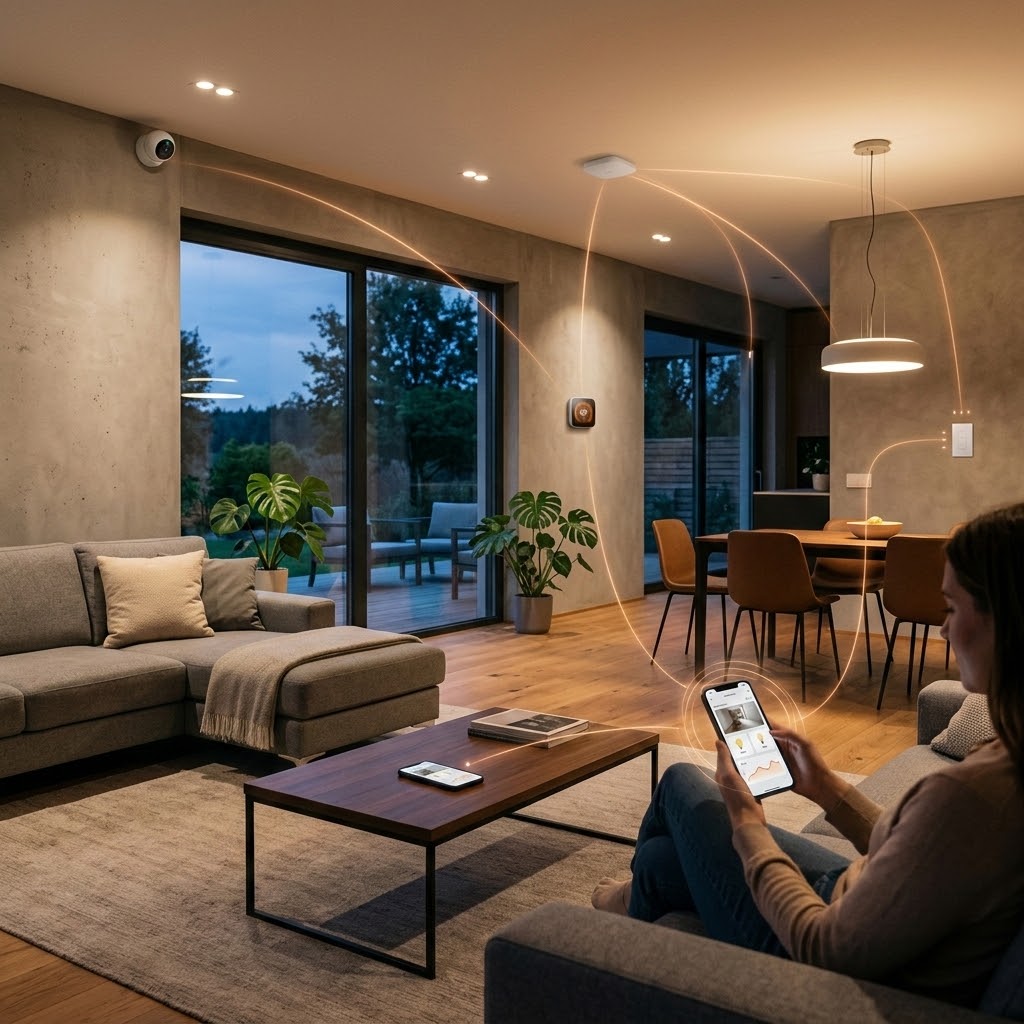
Home automation may include cameras, intrusion alarms, smart locks, smoke detection, water sensors, and environmental monitoring. These systems should be planned carefully because they serve different purposes and may be subject to different installation requirements.
The company should evaluate entry points, outdoor visibility, camera angles, areas where water leaks could occur, and locations requiring smoke or heat detection.
It should also determine which events should trigger automated responses. For example:
- Exterior lights may turn on when motion is detected.
- Selected indoor lights may activate when an alarm is triggered.
- A water sensor may close a compatible shutoff valve.
- A camera may begin recording when a gate or door opens.
- The homeowner may receive a mobile alert when unusual activity occurs.
Automation can improve awareness, but it should not interfere with the primary operation of a safety system. Fire alarms, intrusion alarms, and other protective equipment must remain dependable even when another smart home feature is unavailable.
Homeowners planning integrated protection can review Cyber Technologies’ security camera systems for homes and businesses.
Lighting, Climate, and Energy Priorities
Lighting and climate control are often among the most frequently used parts of a connected home.
Before installation, the company should identify which lights need dimming, scheduling, occupancy control, or scene programming. It should also confirm whether existing fixtures and switches are compatible with the proposed controls.
For climate automation, the installer must examine the HVAC system rather than assuming that every smart thermostat will work correctly. Equipment type, zoning, wiring, and control requirements can affect compatibility.
Automated temperature schedules may support energy savings when used appropriately. The U.S. Department of Energy reports that households may save up to 10% annually on heating and cooling by adjusting the thermostat by 7–10°F for eight hours per day. Actual results depend on the home, climate, HVAC equipment, and household behavior.
The automation system should balance efficiency with comfort. A useful design may combine schedules, occupancy information, manual overrides, and room-specific controls instead of relying on one fixed routine.
Ease of Use for Everyone in the Home
A smart home should not require every person to be technically confident.
The company should ask who will use the system and how they prefer to interact with it. Options may include:
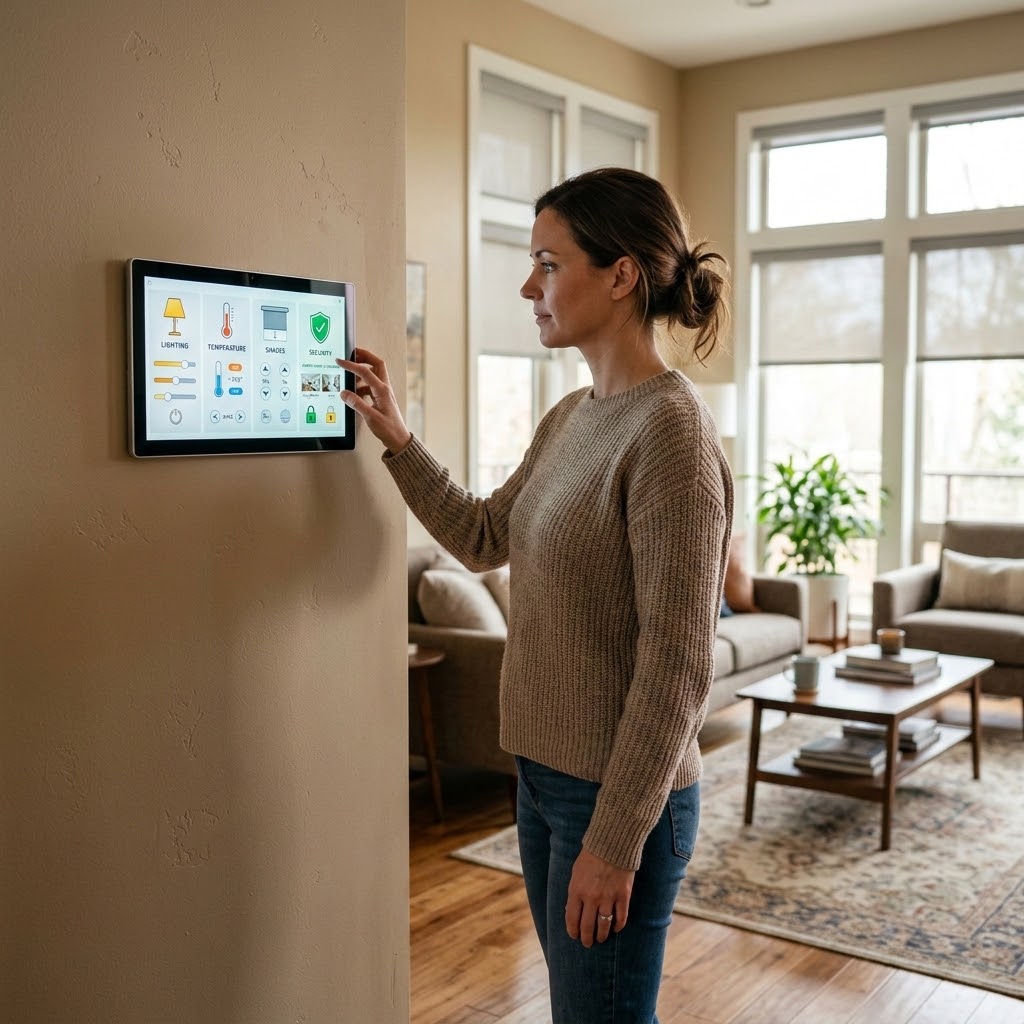
- Wall-mounted keypads
- Touchscreens
- Mobile applications
- Handheld remotes
- Voice commands
- Traditional switches
- Automated schedules
Children, older adults, guests, caregivers, and household staff may all need different levels of access. Essential features should remain simple to operate without requiring a phone.
The company should also plan for manual control. Homeowners should still be able to operate important lights, shades, climate controls, and entertainment equipment when an app is unavailable or a household member does not have system access.
Good design makes advanced technology feel straightforward. The system should reduce the number of steps required to complete common tasks rather than creating additional work.
Future Expansion and Product Support
A home’s technology needs will change over time. Families may add rooms, renovate outdoor spaces, upgrade entertainment systems, install electric vehicle equipment, or expand security coverage.
Before installing a smart home system, the company should consider:
- Available capacity in the network
- Extra wiring for future devices
- Controller and software limitations
- Expandable equipment racks
- Spare electrical capacity
- Manufacturer support policies
- Software and security update availability
- Compatibility with future product generations
The cheapest device may not provide the best long-term value if it has limited support, cannot be integrated with other systems, or must be replaced when the home expands.
A scalable design allows new features to be added without rebuilding the entire system.
Budget, Priorities, and Installation Phases
The company should provide a clear proposal showing what is included, which features are optional, and what ongoing expenses may apply.
Possible costs include:
- Equipment
- Cabling and electrical work
- Programming
- Installation labor
- Cloud storage
- Monitoring
- Software subscriptions
- Maintenance
- Future service visits
When the full project exceeds the immediate budget, the system may be divided into phases. The first phase could establish the network and core control platform. Security, lighting, climate, entertainment, and outdoor automation could then be added over time.
Phased installation works best when the complete design is considered at the beginning. Planning cable routes, network capacity, controller size, and equipment locations early can reduce the need to redo completed work later.
What Should Be Provided Before Installation Begins?
Before work starts, homeowners should understand the proposed system and how the project will proceed.
A professional plan may include:
- A list of recommended equipment
- Planned device and control locations
- Network and wiring requirements
- Systems that will be integrated
- Features that will remain separate
- Installation stages
- Expected subscriptions or recurring fees
- Warranty and support information
- Training and system documentation
- Options for future expansion
Homeowners should also know how changes will be handled if hidden wiring conditions, incompatible equipment, or other issues are discovered during installation.
Clear planning reduces misunderstandings and gives the homeowner a realistic picture of the completed system.
Choose a Smart Home Automation Company That Plans Before It Installs
Smart home technology should make a property easier to manage, more comfortable, and better connected. Achieving that result requires more than purchasing devices and connecting them to an app.
A qualified smart home automation company evaluates the property, network, wiring, security requirements, daily routines, device compatibility, and future plans before recommending equipment. This creates a stable foundation for home automation system installation and helps ensure that each feature has a clear purpose.
Cyber Technologies designs and installs custom systems that bring networking, lighting, climate control, entertainment, security, and automation together. Its residential services are structured around integrated technology that can adapt as a homeowner’s needs evolve.
To discuss a professionally planned smart home installation in Poughkeepsie or the surrounding Hudson Valley area, visit Cyber Technologies and request a consultation.